The Activity Log is where you can see who, what, and when modifications were made to information throughout various locations on your tenant.
Overview
The Activity Log as seen in the inner navigation bar on the Tenant level:
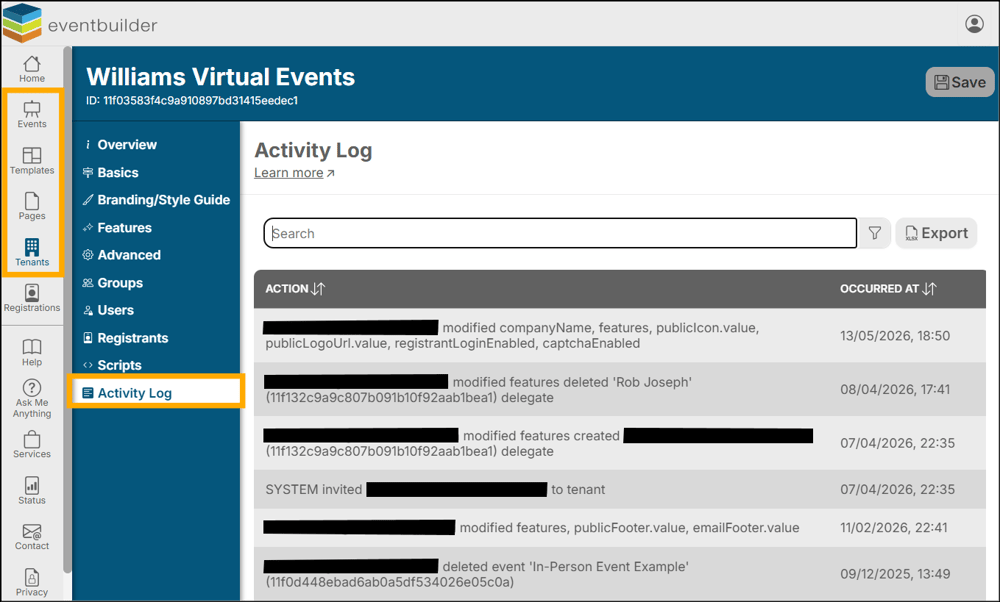
At any time, there may be need to review the activity that has taken place on an Event, Template, Page, or your EventBuilder Tenant.
For example:
- A naming change has occurred, and you wish to speak to the team member who performed it.
- After a long day you cannot recall if you modified the description of a Template, or if this still needs to be completed.
- A Page has been mistakenly deleted, and you would like to know when this happened and who performed the deletion.
The Activity Log allows you to see all activity in a concise, list-style format. All actions taken by members of your team with an EventBuilder subscription will appear in the Activity Log (see above screenshot)
Other entries will read ‘SYSTEM,’ which denotes automated actions taken by the EventBuilder software, such as Communications delivery, provision of Streaming Services, etc.
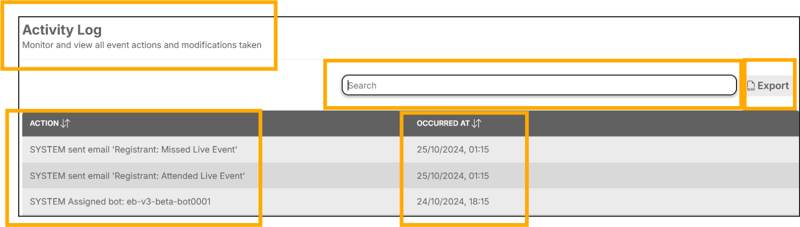
Example of Activity Log at Tenant Level:
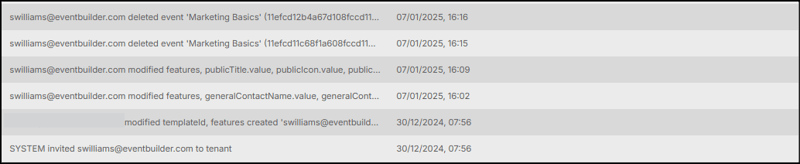
Filter
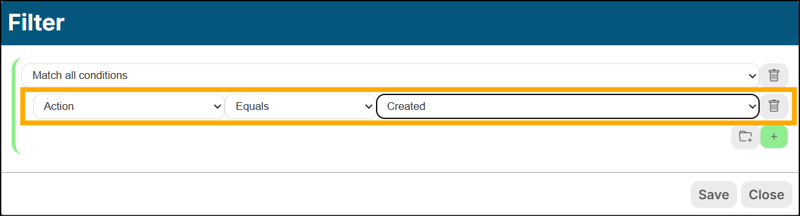
You can filter (using Conditional Logic) for activity specific to events or system actions via the Filter located above your rows of Activity data.
In the example below, the search parameters are: ‘action’ > ‘contains’ > ‘created.’ This will return a list of all instances of creation pertaining to your Event, such as added Referrers, Contributors, Delegates, Certificates, the Event itself, and many more.
Export
You can instantly export an Excel .xlsx Workbook of your activity history by clicking the Export button to the right of the search field.