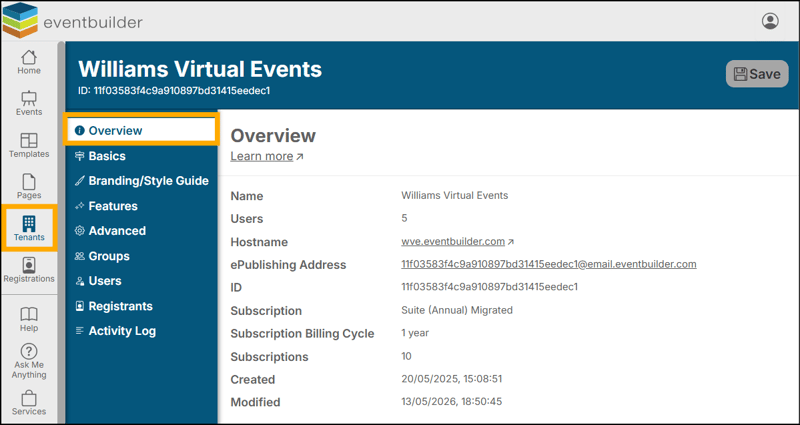
The Overview Step is an at-a-glance look at the basic settings of your Event, Template, Page, or Tenant so you can easily review all these data points in one place.
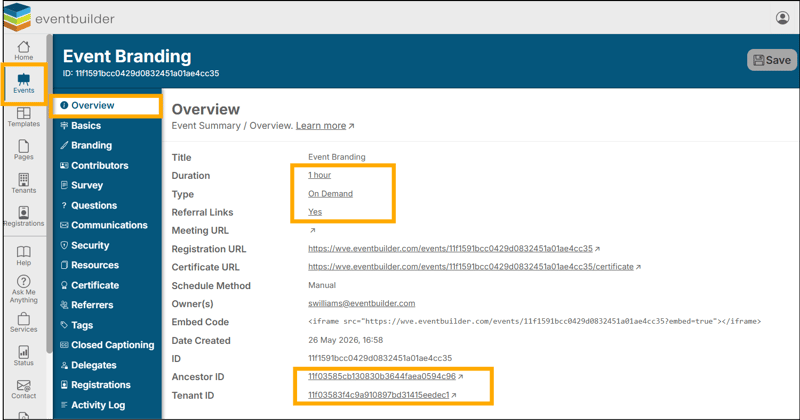
Note: The underlined entries are dynamic links, and clicking on any of the fields highlighted in the screenshot below, such as Begin, Duration, Time Zone etc., will deliver you to the area of your build where you can edit this information.
Other links denoted with an upward arrow icon will open a new tab on your browser and take you to the destination displayed.
Example at Event Level:
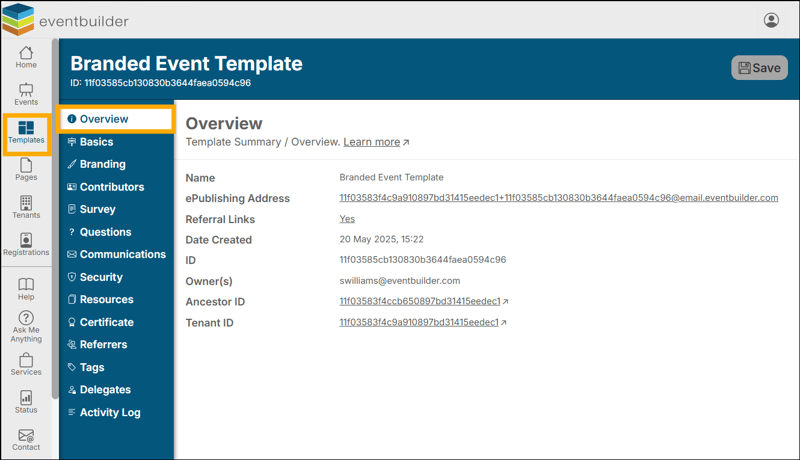
Example at Template Level:
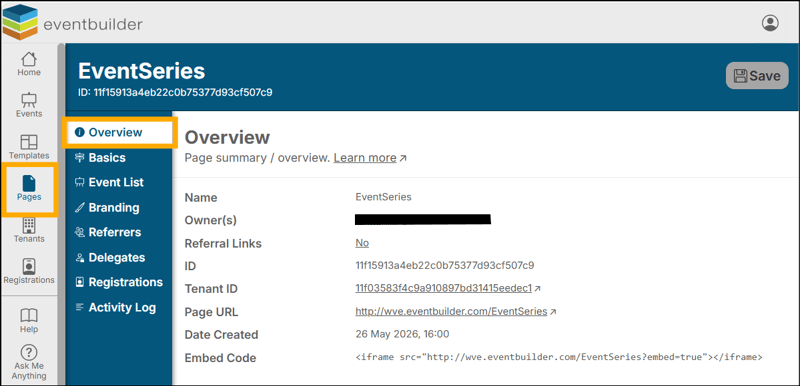
Example at Page Level:
Example at Tenant Level: