EB Logo

Styling Options for Registration Pages

(Classic, Marquee and Clean)

Page styles can be set on the Branding Step at the Event, and Template Level.

EventBuilder offers three pre-set registration page Layouts:  Classic, Marquee, and Clean (the default is set to Classic).  

You can change the layout even after publication if you wish.

You will see a small preview of the styles inside the software, scroll to your desired layout and click to select:
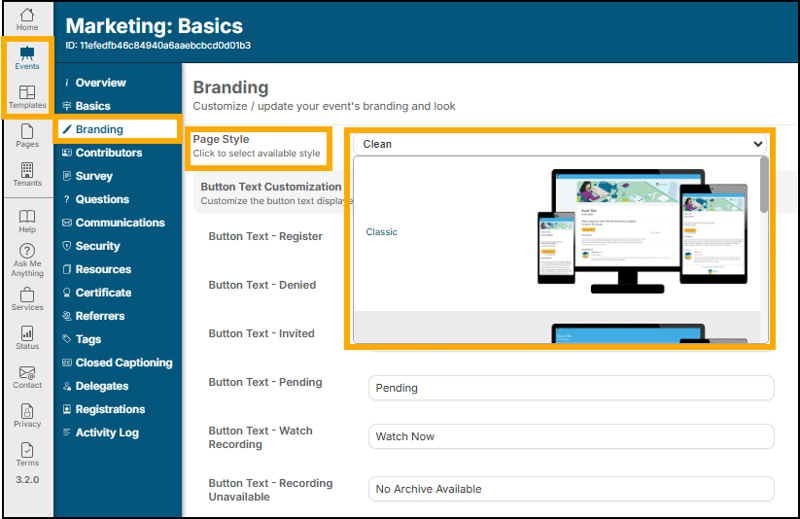
A screenshot of a computer

AI-generated content may be incorrect.

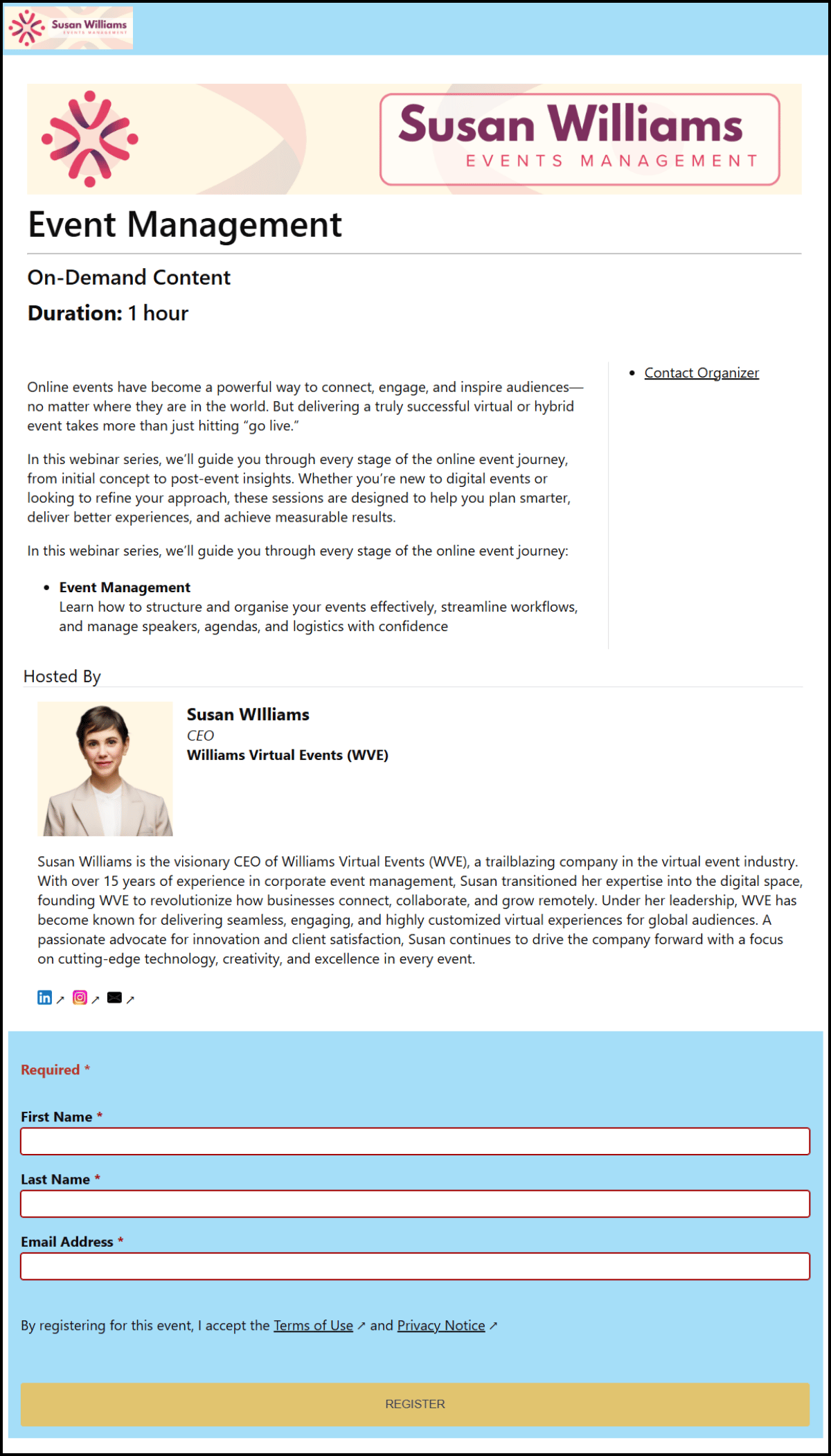
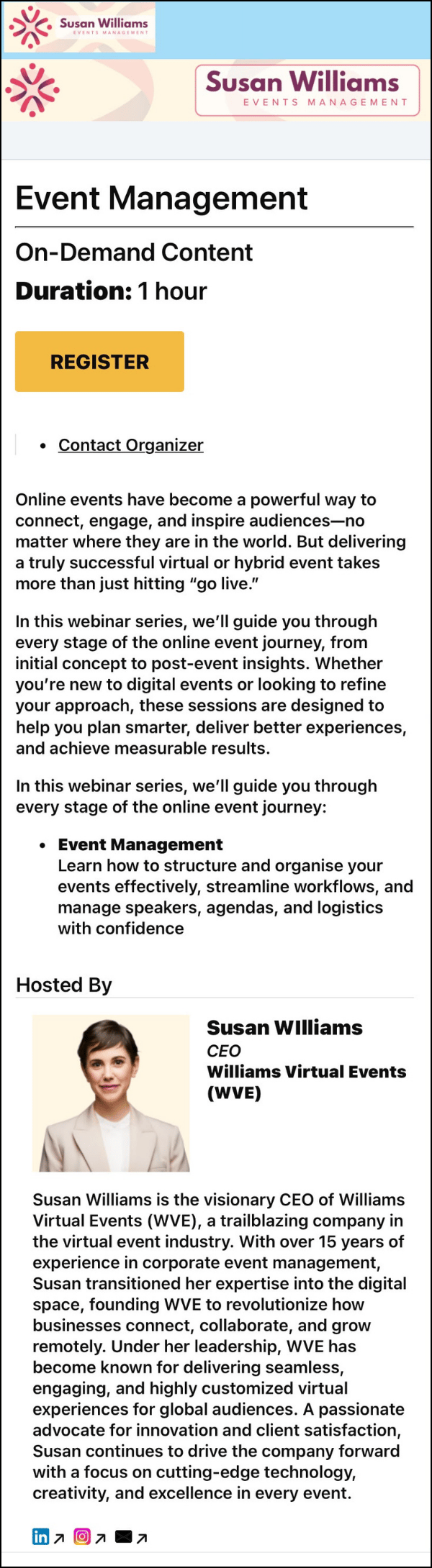
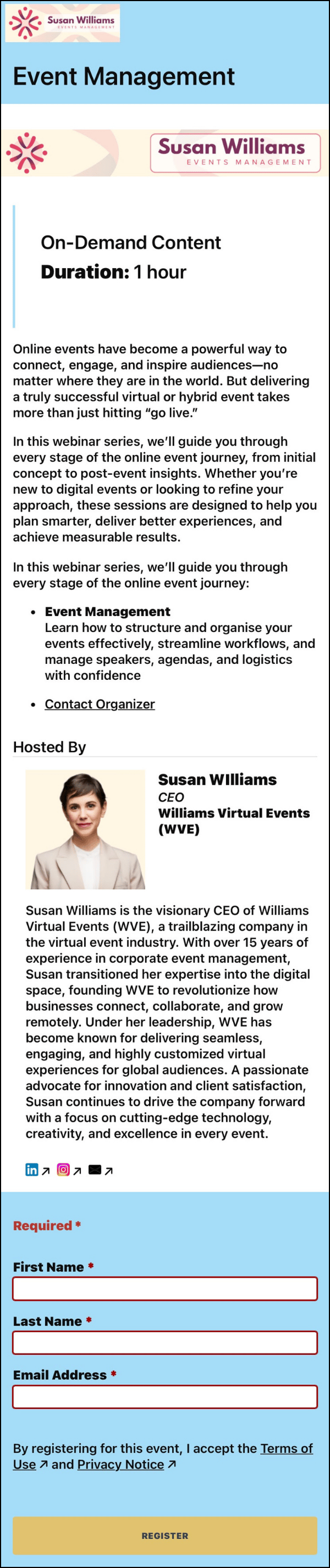
Here are some examples of each layout on a branded registration page. All styles are shown on both Desktop and Mobile formats.


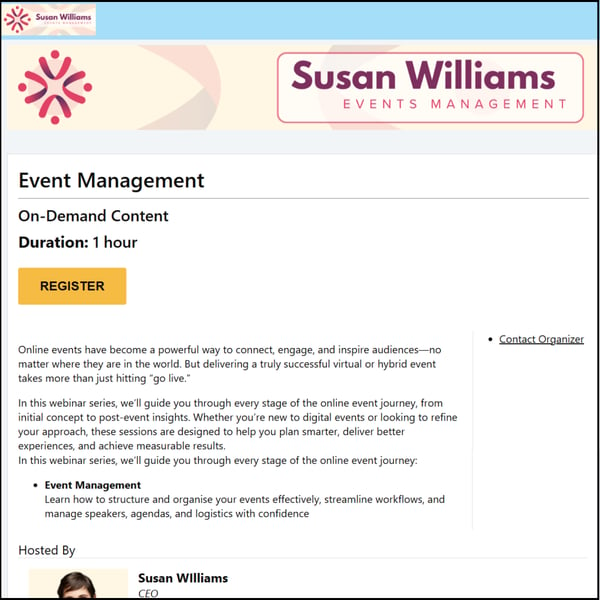
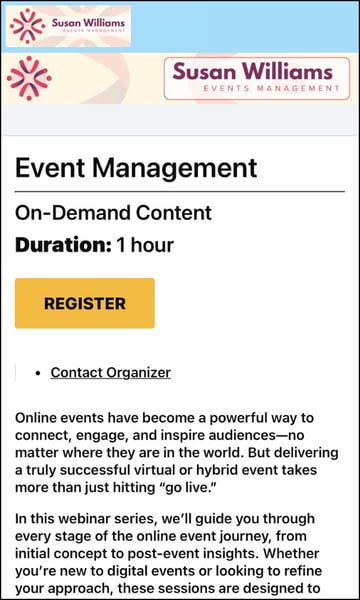
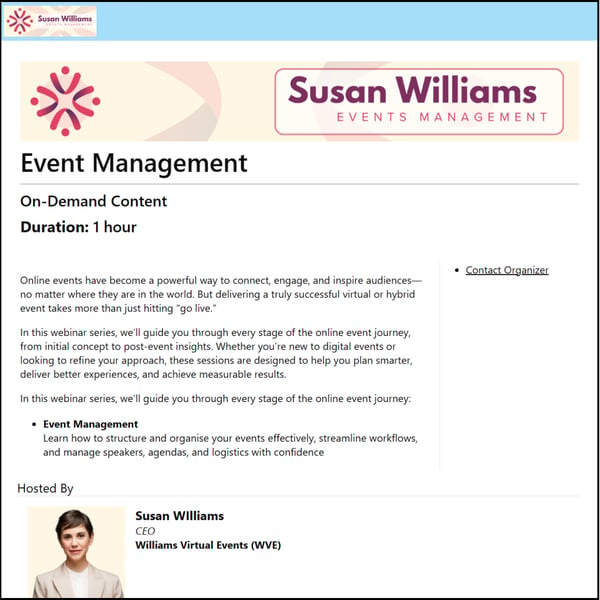
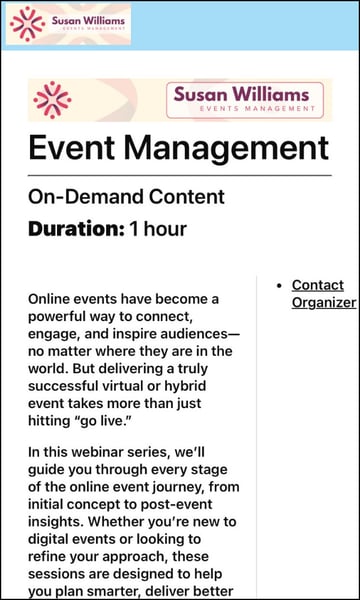
Classic Layout

Desktop Example:

A screenshot of a web page

AI-generated content may be incorrect.

Mobile Example:

A screenshot of a webinar

AI-generated content may be incorrect.


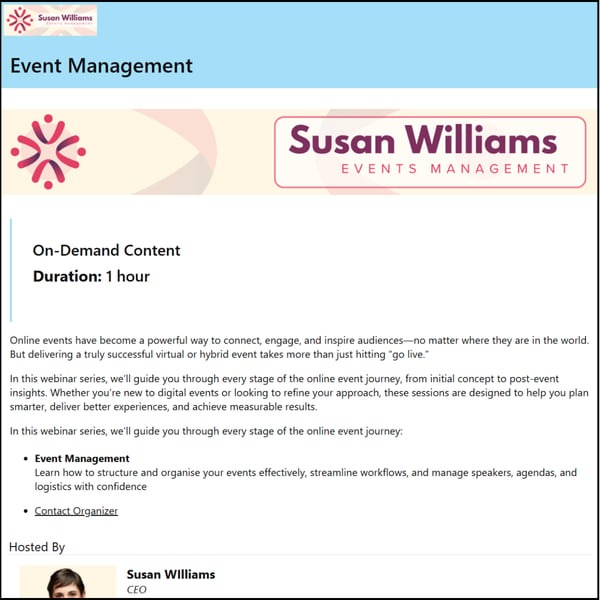
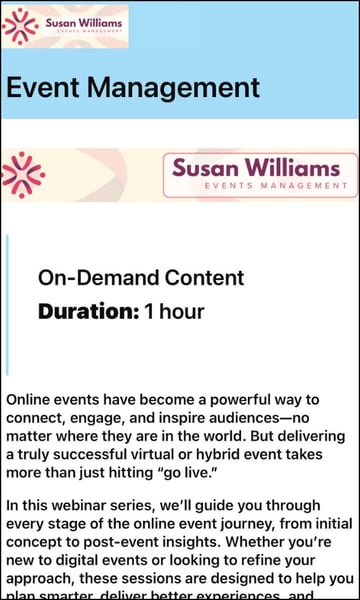
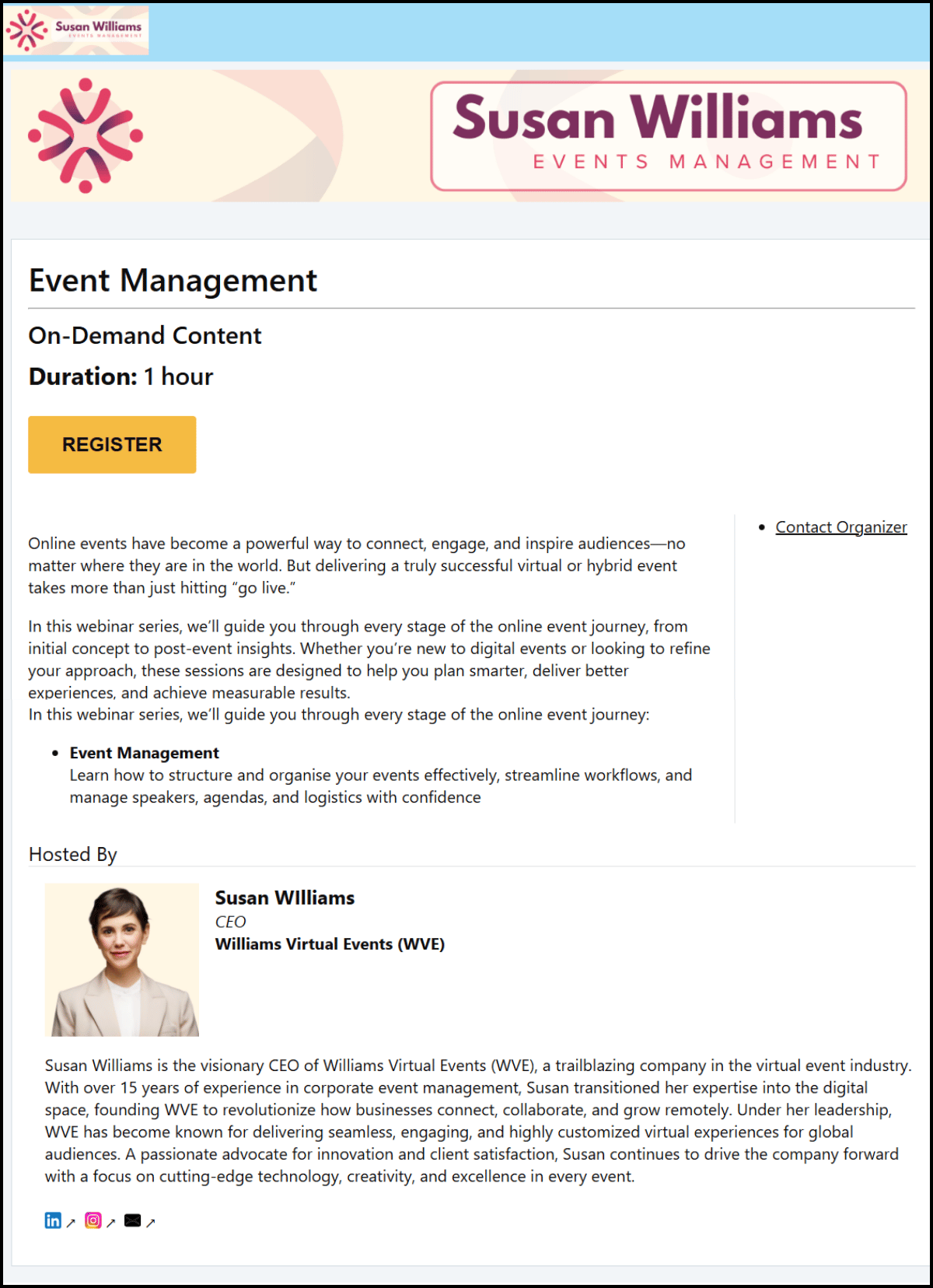
Marquee Layout

Desktop Example:

A screenshot of a web page

AI-generated content may be incorrect.

Mobile Example:

A close-up of a webinar

AI-generated content may be incorrect.


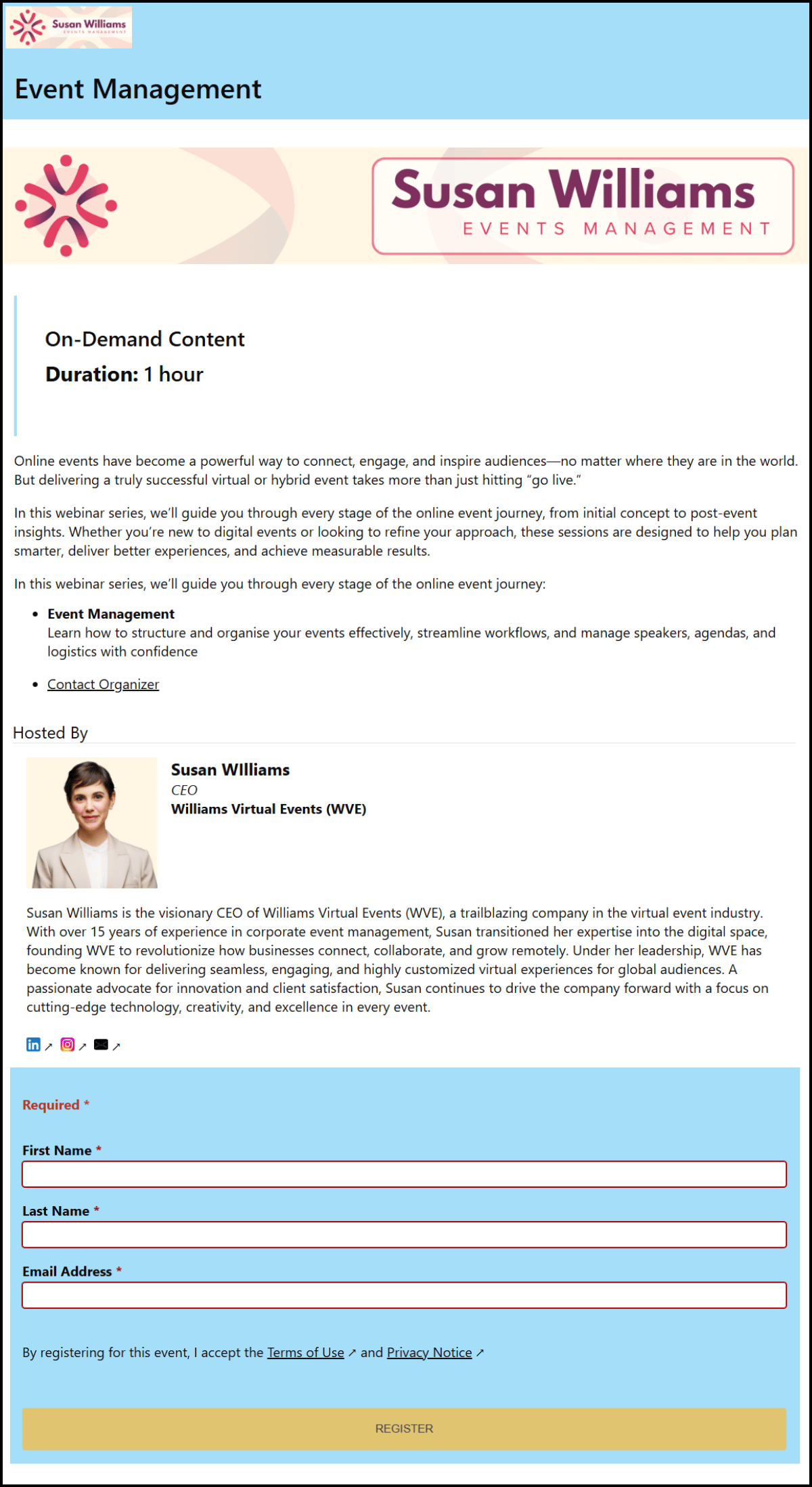
Clean Layout

Desktop Example:

A screenshot of a computer

AI-generated content may be incorrect.

Mobile Example: 

A close-up of a webinar

AI-generated content may be incorrect.