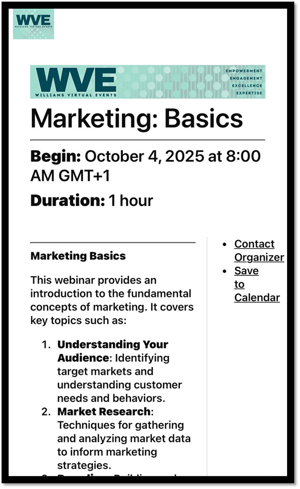
EventBuilder offers three pre-set registration page Layouts: Classic, Marquee, and Clean (the default is set to Classic).
You can change the layout even after publication if you wish.
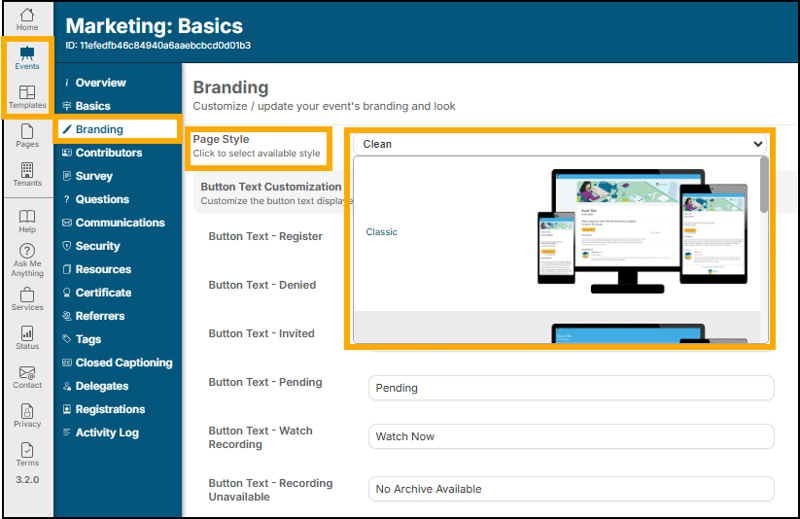
You will see a small preview of the styles inside the software, scroll to your desired layout and click to select:
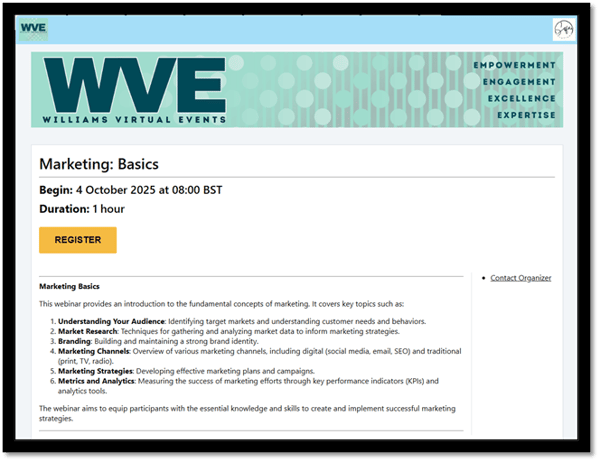
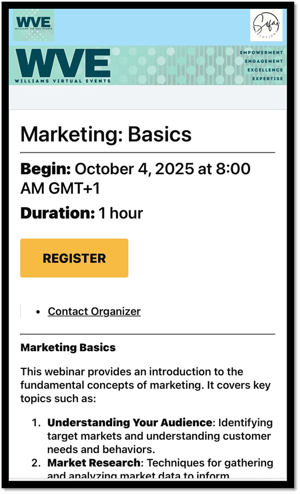
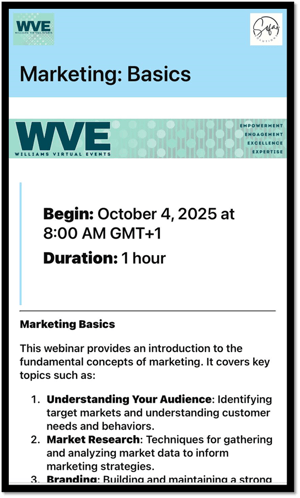
Here are some examples of each layout on a branded registration page. All styles are shown on both Desktop and Mobile formats.
Classic Layout
Desktop Example:
Mobile Example:
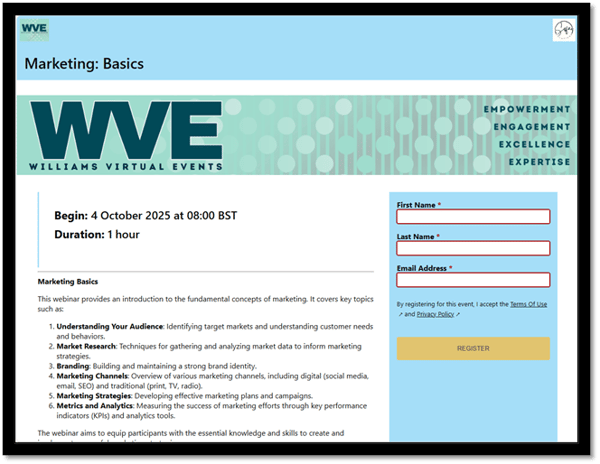
Marquee Layout
Desktop Example:
Mobile Example:
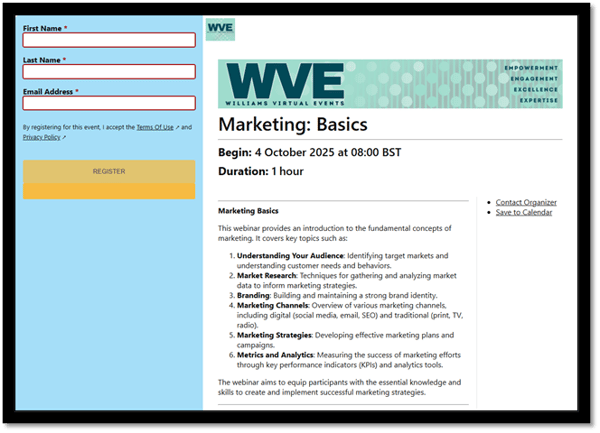
Clean Layout
Desktop Example:
Mobile Example: