
Note: This Step lays out the textual and visual presentation of your Survey. Content (i.e., questions) is added on the Questions Step. If you want your questions to be included in a formal survey, the Survey Step must be set to ‘on.’
When Surveys are created, they can be distributed to your Registrants in several ways:
- (For Live Events) Automatically sent in Post-Event Communications
- (For On-Demand Events) Displays in the Registrant Viewer Console on the Surveys tab
- Can be shared via a direct link in any way you wish
Example of Survey Step at the Event Level:
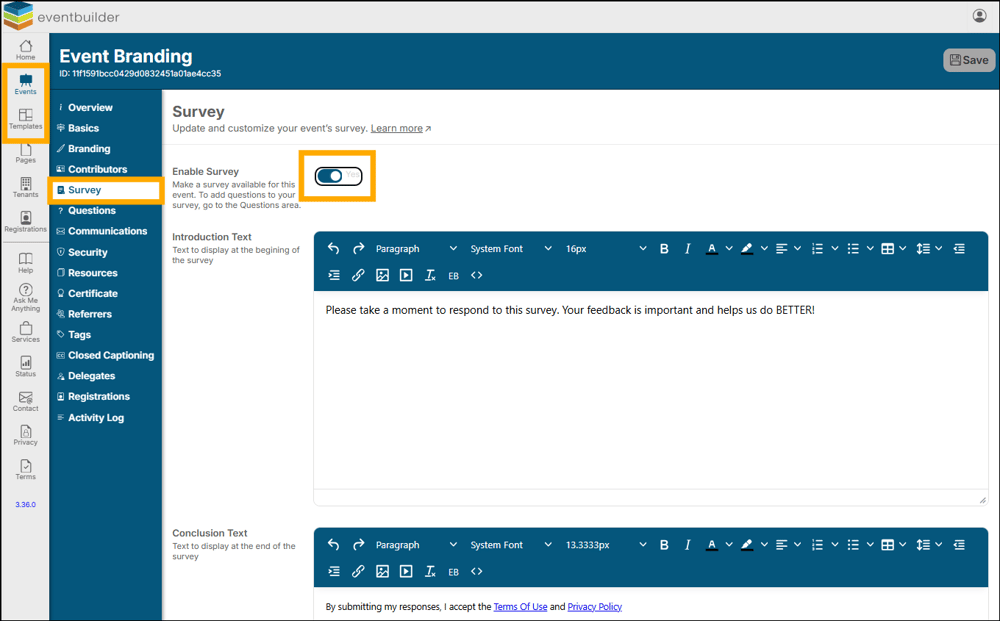
Enable Survey
Once toggled on, four additional fields will be displayed.
- Introduction Text
- Using our WYSIWYG (What You See Is What You Get) editor to write an introduction to Registrants, laying out the framework and encouraging honest responses.
- Conclusion Text
- This field is automatically filled with links to EventBuilder’s Terms of Use and Privacy Policy. You can use the WYSIWYG editor to customize this information, add your own links, etc.
- Button Text – Start Survey & Button Text – Submit Survey
- Customize the text that displays on these buttons which appear on Streaming, Simulated Live and Live Events via the Registrant Viewer window.
- Survey Completed Page Content
- Provide text to thank your Registrants for their participation.
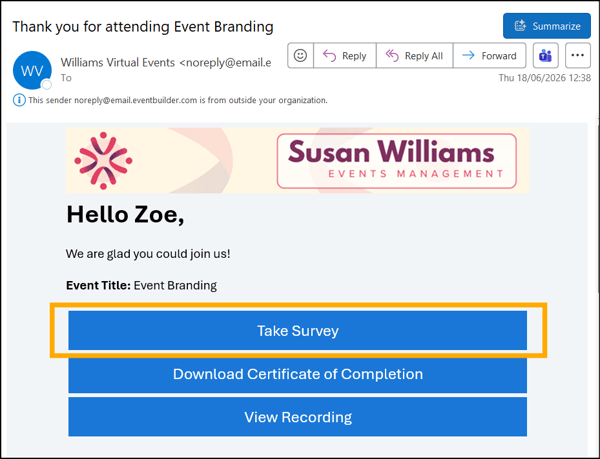
Example of a survey link on an On-Demand event in the Registrant Viewer Console:
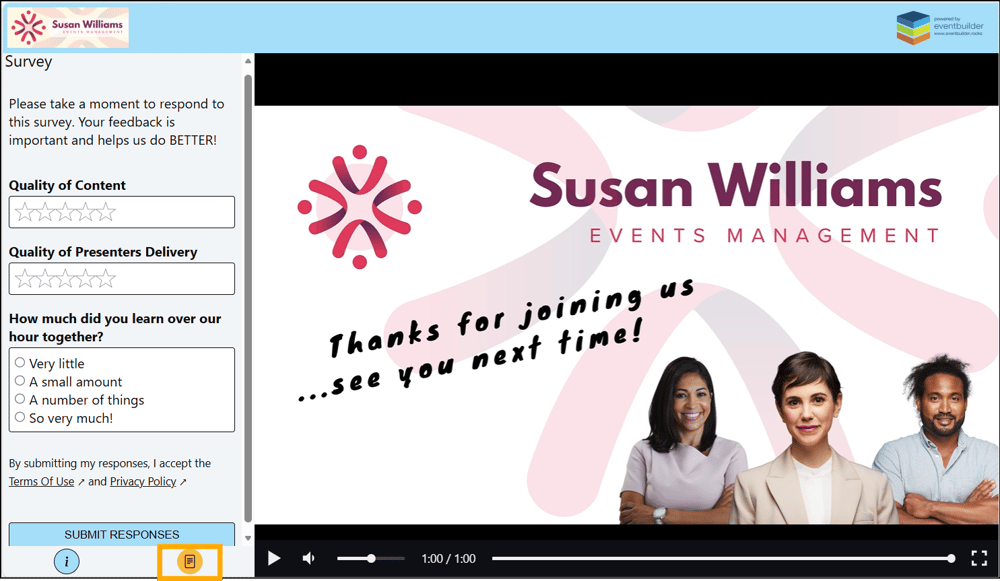
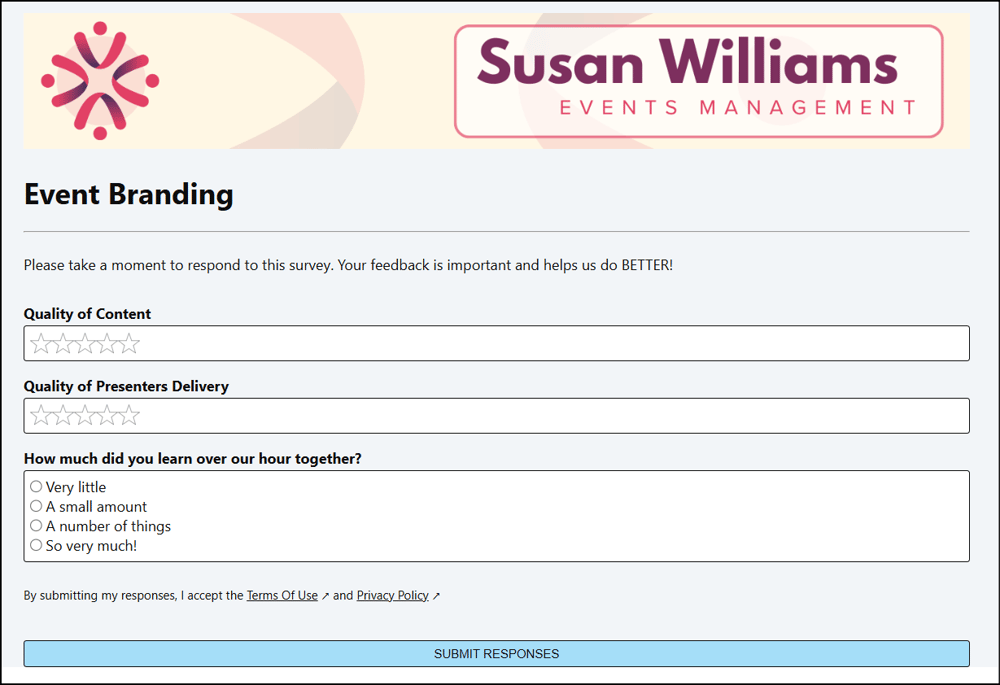
Example of a survey via link in Browser:
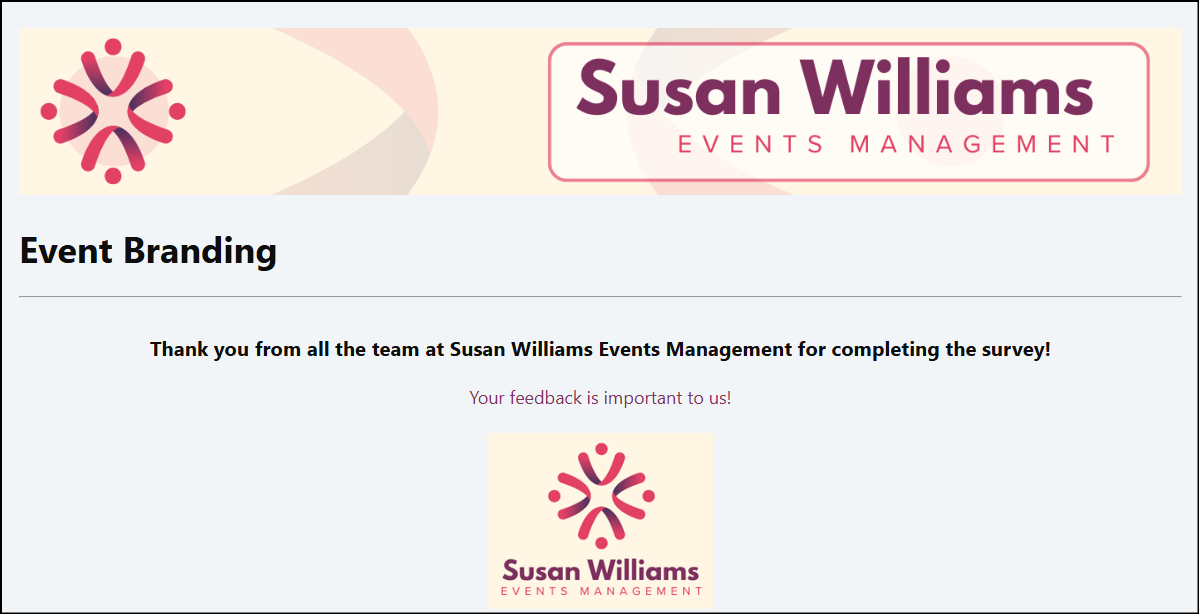
An example of a ‘Survey Completed Page Content’ thank you message in a Browser:
Survey Reporting Data
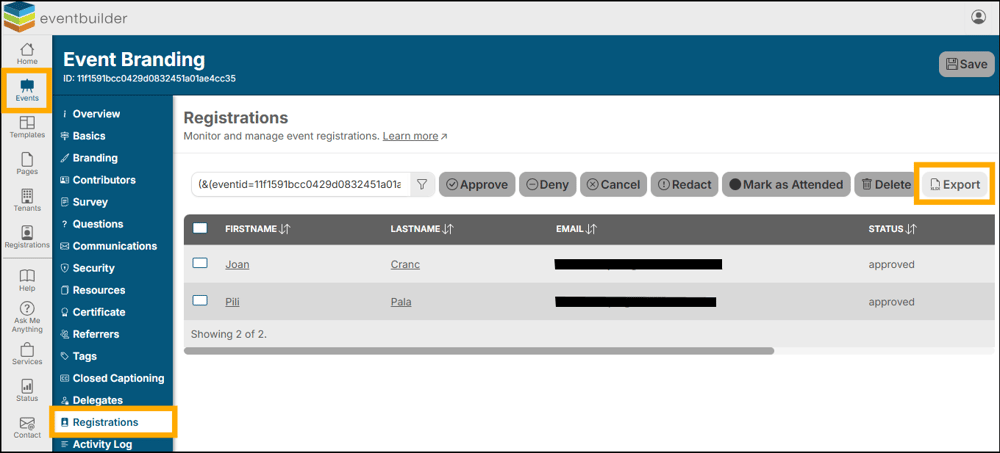
To view the data collected by your survey you can easily export an Excel (.xlsx) Workbook from the Registrations Step of each of your Events.
Example of export button on Registrations Step:
This report will display each of your questions and the responses of all Registrants individually. Also, you will see information concerning the time of Survey completion and which Registrants have completed your Survey.
